在使用 yt-dlp 下載 youtube 影片為 mp3 時出現錯訊息, 這時候即使把瀏覽器的 cookie 儲存為 .txt 檔餵給 yt-dlp 一樣顯示無法下載.
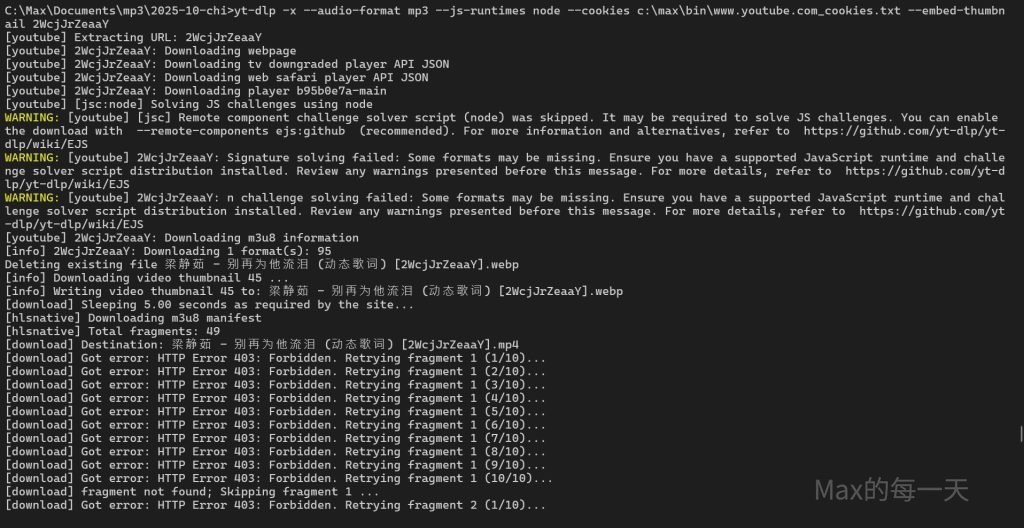
解法:
https://github.com/yt-dlp/yt-dlp/issues/15586#issuecomment-3758088372
See this:
#15012
update installed yt-dlp and install deno or nodejs
pip install -U "yt-dlp[default]"
說明, 一定要執行上面這行, 會多安裝一些新的元件.
Linux/Mac users:
# install deno
curl -fsSL https://deno.land/install.sh | sh

# upgrade yt-dlp
pip install -U "yt-dlp[default]"
Windows 平台下載 mp3 使用 dl.bat
yt-dlp -x --audio-format mp3 --js-runtimes node --cookies c:\max\bin\www.youtube.com_cookies.txt --embed-thumbnail %1 %2如果不需要使用 cookie 也可以下載話, 你可以使用這個 dl.bat
yt-dlp -x --audio-format mp3 --js-runtimes node --embed-thumbnail %1 %2如果你是要下載影片, 直接使用 yt-dlp 下載, 無法下載到正確版本的影片, 請使用這個 dlvideo.bat
yt-dlp -f "bestvideo[ext=mp4]+bestaudio[ext=m4a]/best[ext=mp4]/best" --js-runtimes node %1 %2取得瀏覽器的 cookies:
在 yt-dlp 改用 –cookies 參數來解決問題
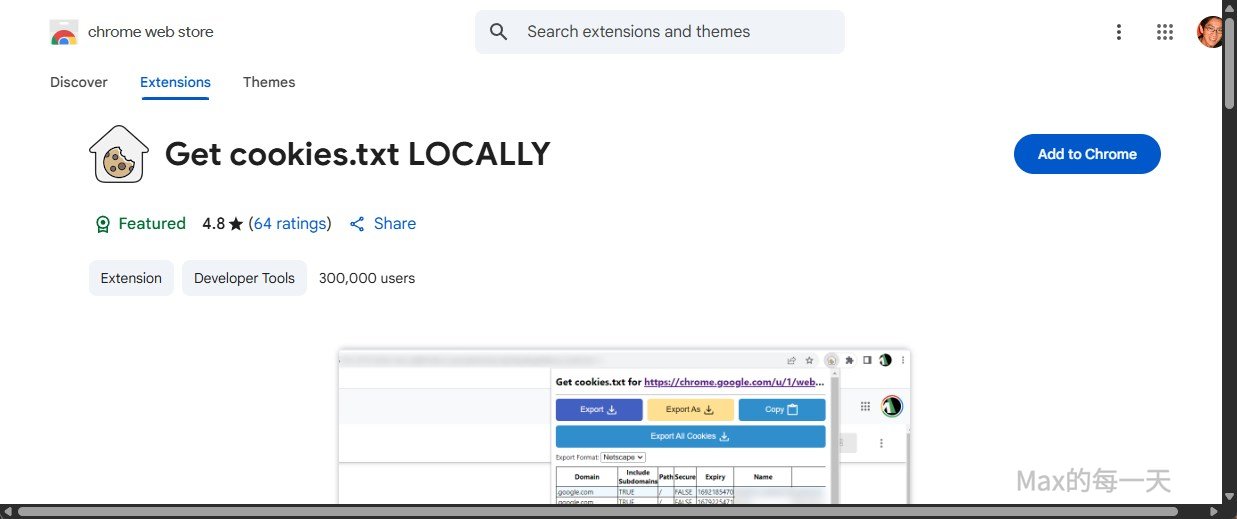
你要先在 chrome 瀏覽器安裝擴充工具(extension): Get cookies.txt LOCALLY
傳送門: https://chromewebstore.google.com/detail/get-cookiestxt-locally/cclelndahbckbenkjhflpdbgdldlbecc
點下上面網址後, 按右上角的 “Add to chrome”
接著到 youtube 網站, 並登入你的Google 帳號.
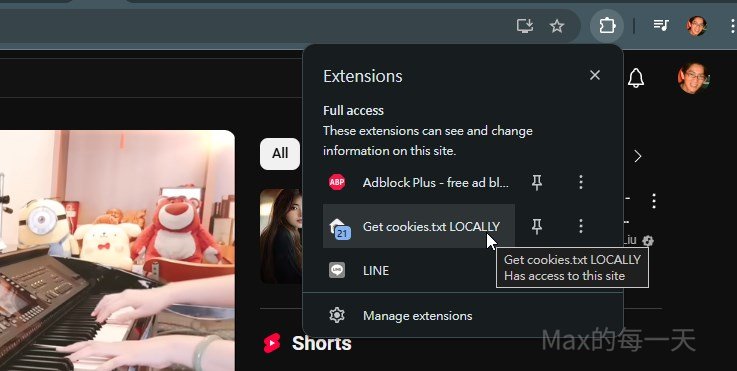
在 chrome 瀏覽器網址列右側點開擴充工具的小圖, 並點擊 get cookies.txt locally 的小圖:
點擊 Export As
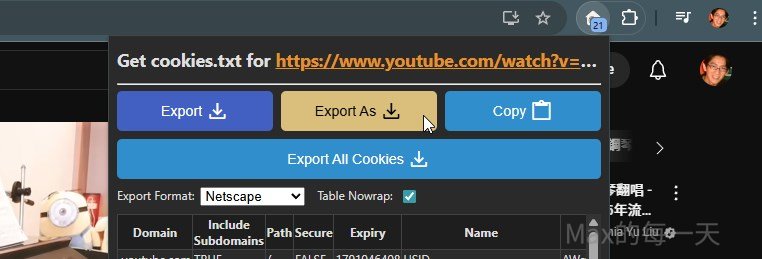
預設會取得 youtube 網站的 cookies 並儲存到「下載」的資料夾下,
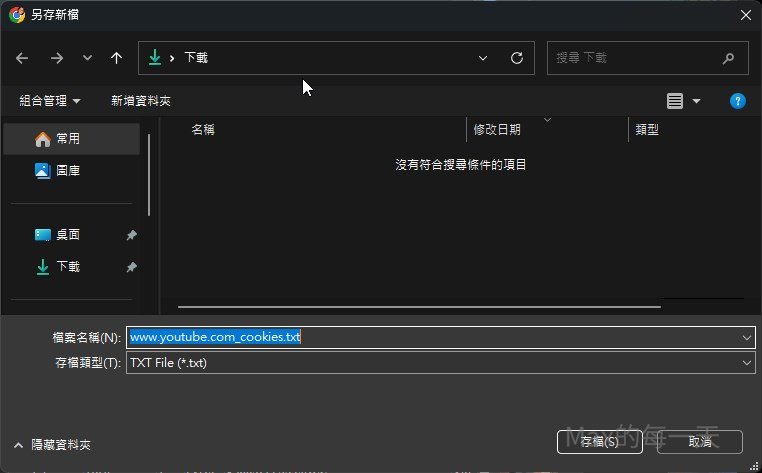
我是使用 “Export As”, 請把 www.youtube.com_cookies.txt 檔案移到一個你記得起來的與 youtube 外部指令相關的資料夾, 我放在 C:\max\bin\ 目錄下,
想偷懶, 不想多點幾下滑鼠去選擇資料夾, 也不想用鍵盤打太多字的話, 可以直接在檔案名稱第一個字之前插入一個 \ 符號, 就會直接存到根目錄.